Select your preferred store for a more customised experience.
Setup and registration
Getting started is easy. You’ll be ready to go in just a few minutes.
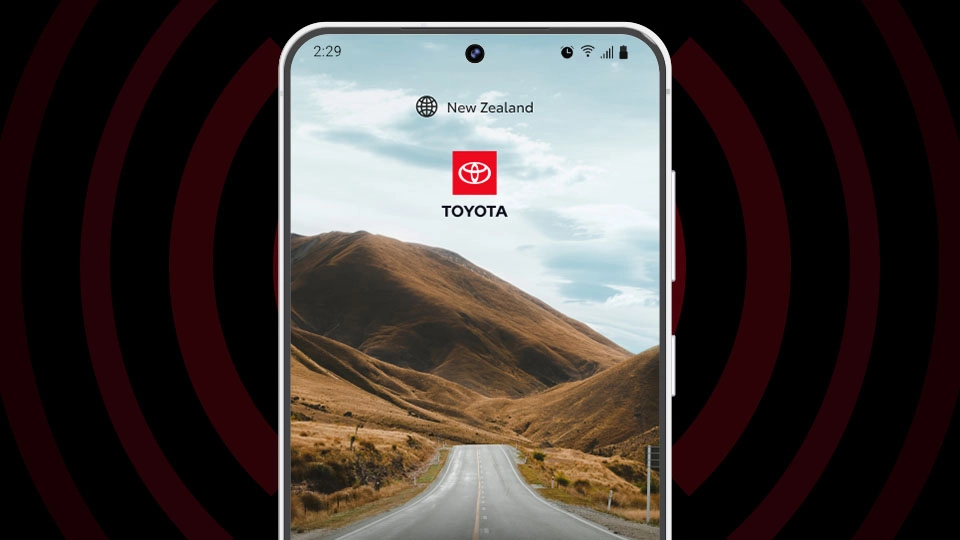
Step 1: Download
Get the myToyota Connect app from the App Store or Google Play to begin your connected experience.
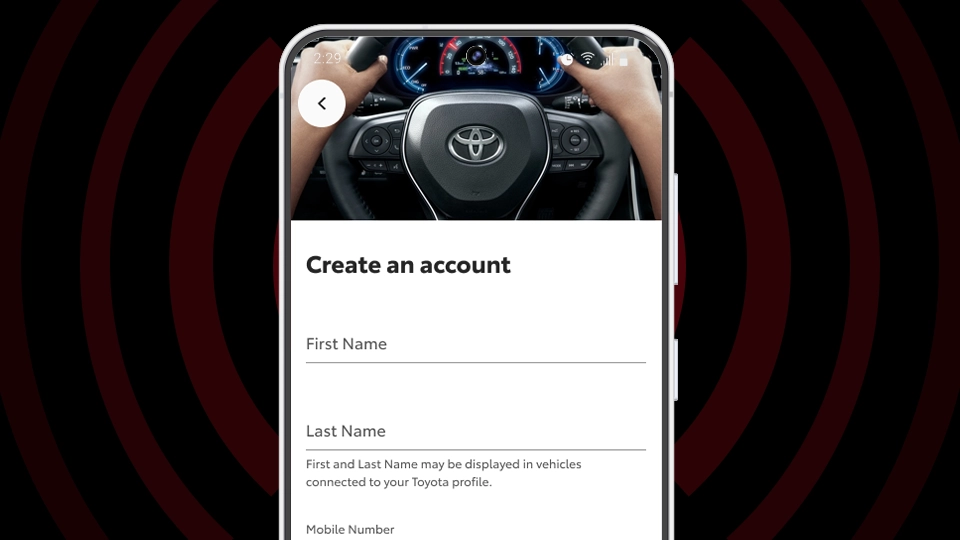
Step 2: Create your account
Set up your myToyota Connect account in a few simple steps. Your vehicle and app information stay protected at every step.
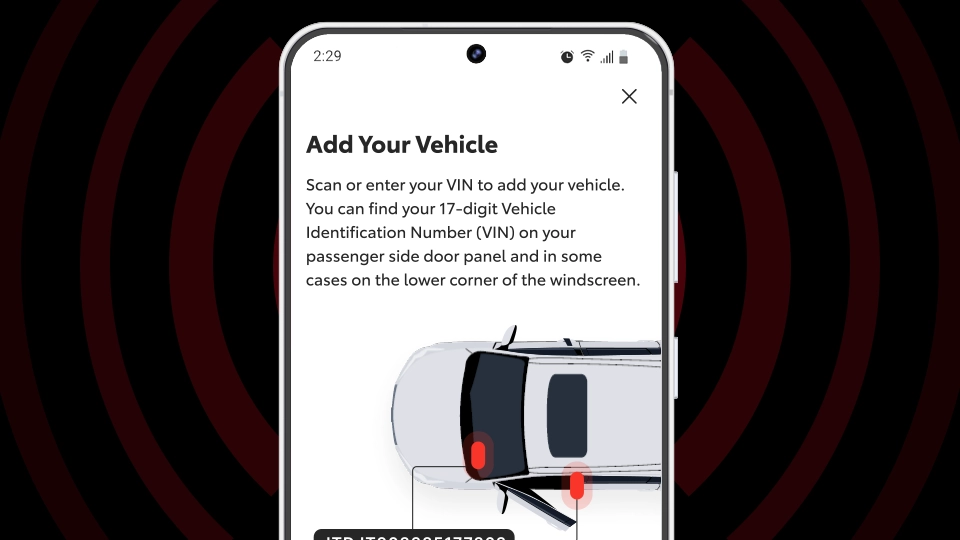
Step 3: Link your Toyota
Follow the on-screen prompts to pair your compatible Toyota. You’ll need to have your vehicle with you and know your VIN (Vehicle Identification Number). Once linked, your connected features are ready to go.
Connected features designed for everyday life
Lock or unlock your vehicle remotely, start it and set the climate before you get in, and check key vehicle details in real-time – all from your phone.[[CS1] Combined App & Features Reference]
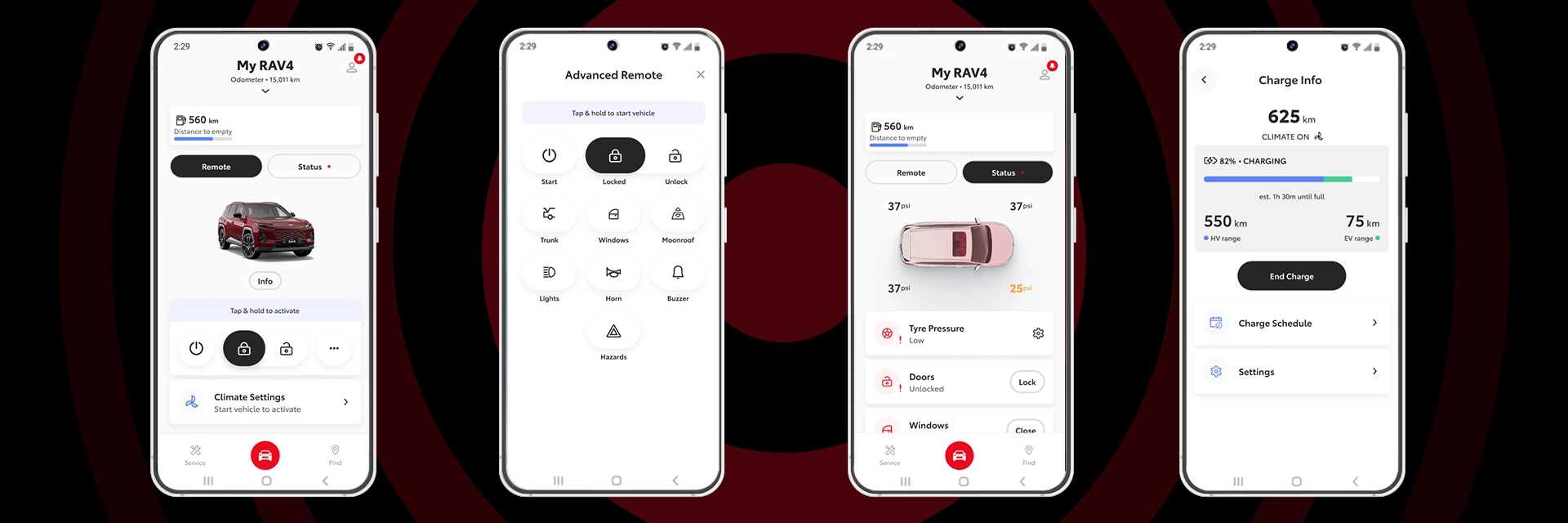
All images indicative only and not to scale
Your data, protected.
We take your data seriously. Only essential information is used to deliver Toyota Connected Services safely and effectively. You stay in control of your information.
Questions about myToyota Connect?
Find answers to common questions about the app, account setup and connected features.[CS1]
The myToyota Connect app allows you to remotely access selected vehicle information and controls, helping you stay connected to your Toyota even when you’re away from it.
No, the myToyota Connect app is only currently applicable to Connected vehicles.
Through the myToyota Connect app, you can remotely access selected vehicle information and controls, helping you stay connected to your Toyota even when you’re away from it.
- Apple iPhones operating on iOS 17 or higher.
- Android phones operating on Android 12.0 or higher.
- Apple iPhones operating on iOS 17 or higher and Watch OS 10.0+
- Android phones operating on Android 12.0 or higher and Wear OS (watch) device running Wear OS 4 or higher.
Samsung Gear smartwatches are not supported because they use a proprietary operating system called Tizen®. Customers with a Samsung smartphone may be able to pair with some Android‑based smartwatch brands, but certain features may still be limited or incompatible
Many other smartwatch brands, such as Fitbit, Jawbone, Garmin, etc. also run on proprietary operating systems but remain incompatible for the use of certain features.
Your VIN is a 17-character code with both capital letters and numbers.
Your VIN is located on the inside of the front passenger door frame and can sometimes also be found on the lower corner of the windscreen. You can also find your VIN on vehicle documentation.
When using the myToyota Connect app on your device, your mobile data may be used.
Your vehicle status updates after it has been driven or when it next communicates with the system. This information can also be refreshed manually via the app. Vehicle status includes details such as tyre pressure; whether the doors are locked or unlocked; whether windows, the boot, or the bonnet are open or closed; and whether the moonroof is open or closed (if fitted).
If you lend your Toyota to a guest driver, you’ll be able to set and receive alert notifications for speed, distance travelled, ignition on, curfews and more.
- Open the myToyota Connect app and navigate to ‘Info’
- Click ‘Remove Vehicle’
- Follow the steps to complete the removal process.
Ready to connect?
Download the myToyota Connect app to unlock smarter control, added peace of mind, and effortless connection with your Toyota.

Which Toyota models have Connected Services?
Toyota Connected Services will initially be available with the sixth generation RAV4. More models will be added progressively across the Toyota range from 2026.
*Pre-production RAV4 Limited model shown.
We’re here to help
Reach us by phone, or send an online enquiry.
Connected Services General Enquiries
For any enquiries, questions or concerns relating to Connected Services, contact your local Toyota Store, call 0800 TOYOTA, or
send us an online enquiry
Stolen Vehicle Tracking (SVT)
Please have your police report number and VIN ready.
Call 0800 874 520 — available 24/7
Connected Services Account Enquiries
Connected Services account information can be managed and updated through the myToyota Connect app.
For further support, please contact 0800 TOYOTA
between Mon-Fri 8:00am-5:30pm